Turn signals
PS5
Xbox
Tap Left or Right on the D-pad for that signal. It switches off by itself once you have made the turn. Hold Left instead for the radio and the vehicle menu.
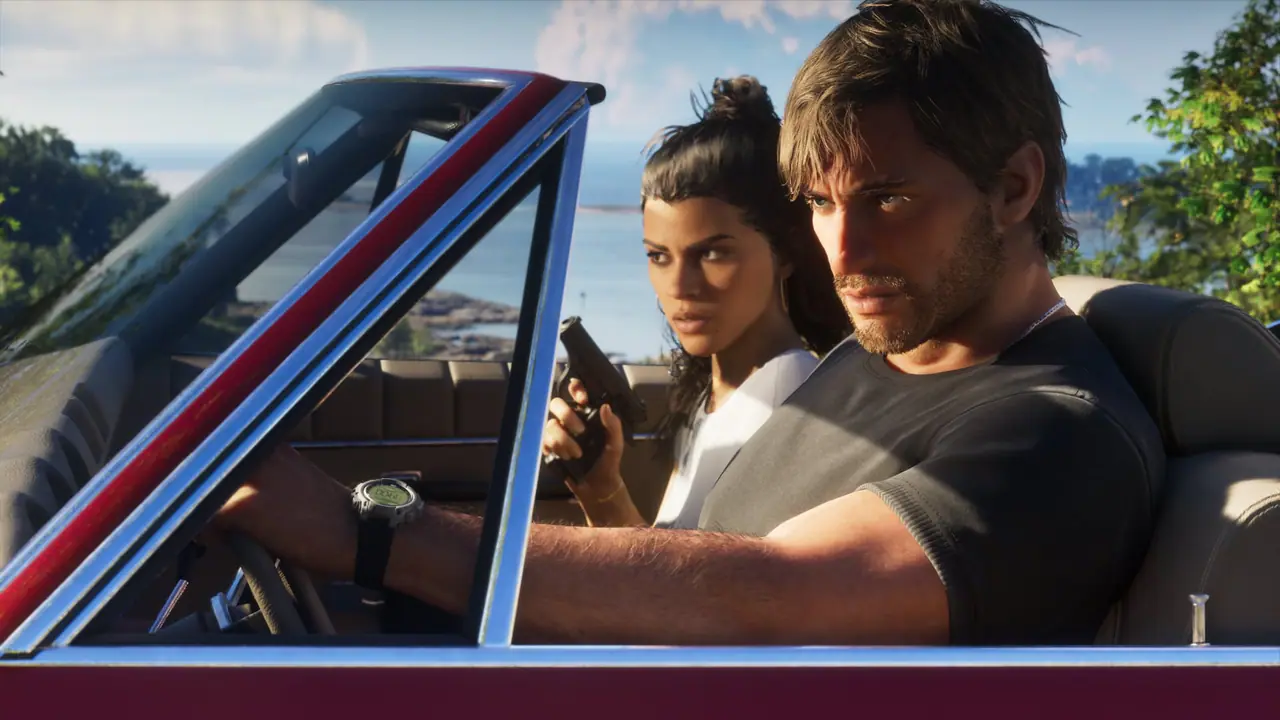
GTA VI hides a lot behind a held button or a double tap. These are the moves worth knowing, from leaving the engine running to looking through Jason's and Lucia's eyes, plus the basic layout.
39 moves, grouped by where you use them.
Press a button on the pad to see every move and control that uses it.
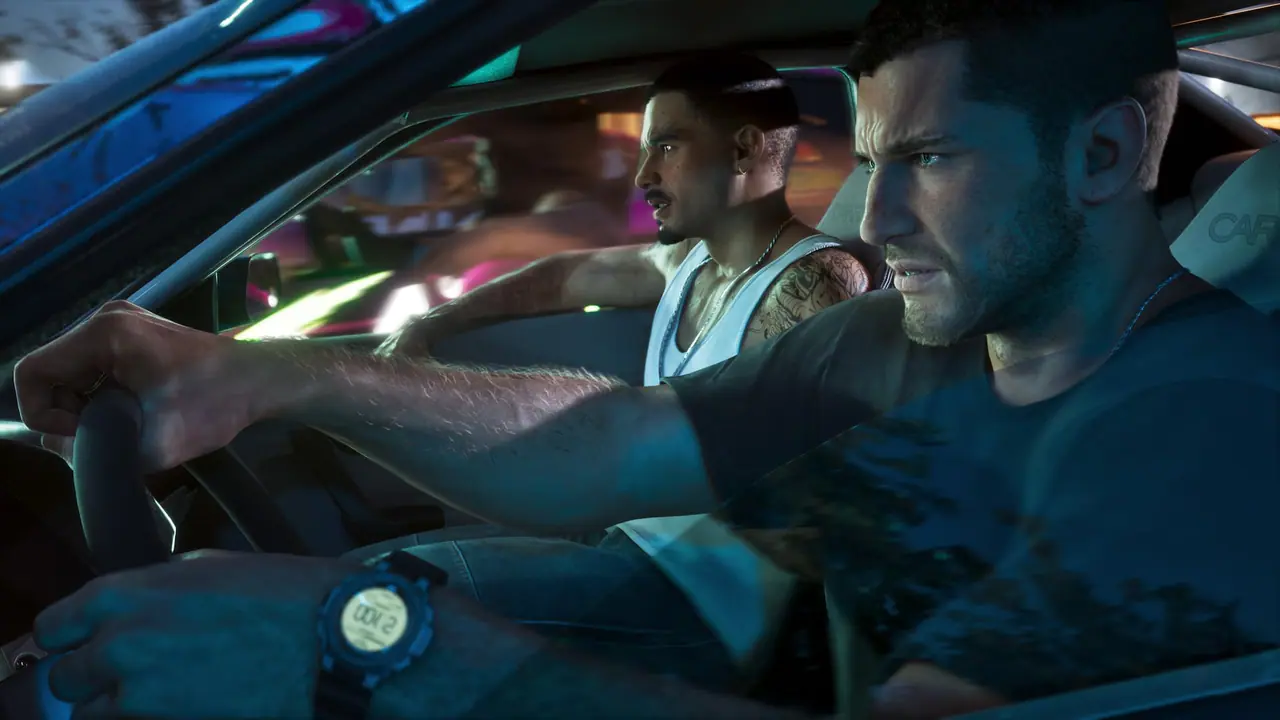
Tap Left or Right on the D-pad for that signal. It switches off by itself once you have made the turn. Hold Left instead for the radio and the vehicle menu.
A tap switches the headlights on or off. Their brightness is in the vehicle menu.
Holding Left opens the radio. Push the right stick up while you hold it and you get the car itself: headlights, the trunk or tailgate, and more. The trunk shuts by itself when you drive off.
Double-tap to jump out with the engine and lights left on. Do it at speed and the car rolls on without you.
Set a waypoint first. Hold Down, press Options / Menu for the cinematic camera, then hold Circle / B when Enable Auto Drive shows. L2 / LT and R2 / RT change the pace; hold Down again to take the wheel back. It works on boats too.Set a waypoint first. Hold Down, press Options for the cinematic camera, then hold Circle when Enable Auto Drive shows. L2 and R2 change the pace; hold Down again to take the wheel back. It works on boats too.Set a waypoint first. Hold Down, press Menu for the cinematic camera, then hold B when Enable Auto Drive shows. LT and RT change the pace; hold Down again to take the wheel back. It works on boats too.
Hold it at the wheel to sink down out of sight, handy when a patrol car rolls past.
While you drive, the door swings open into whoever is right beside the car: a biker, someone on foot, even a cop.
One click and you shout at the drivers and people around you. Hold it instead to look behind the car.
Holding Up at the wheel gives you the same options with people that holding L2 / LT gives on foot, without getting out.Holding Up at the wheel gives you the same options with people that holding L2 gives on foot, without getting out.Holding Up at the wheel gives you the same options with people that holding LT gives on foot, without getting out.
Take your phone out while you drive and the camera moves into first person, the road blurred past the screen. You keep full control of the car.
Does GTA 6 have a first-person mode?In a car or a boat, holding Down lets you pick one of three camera heights or the cinematic camera. Steering is harder in the cinematic one.
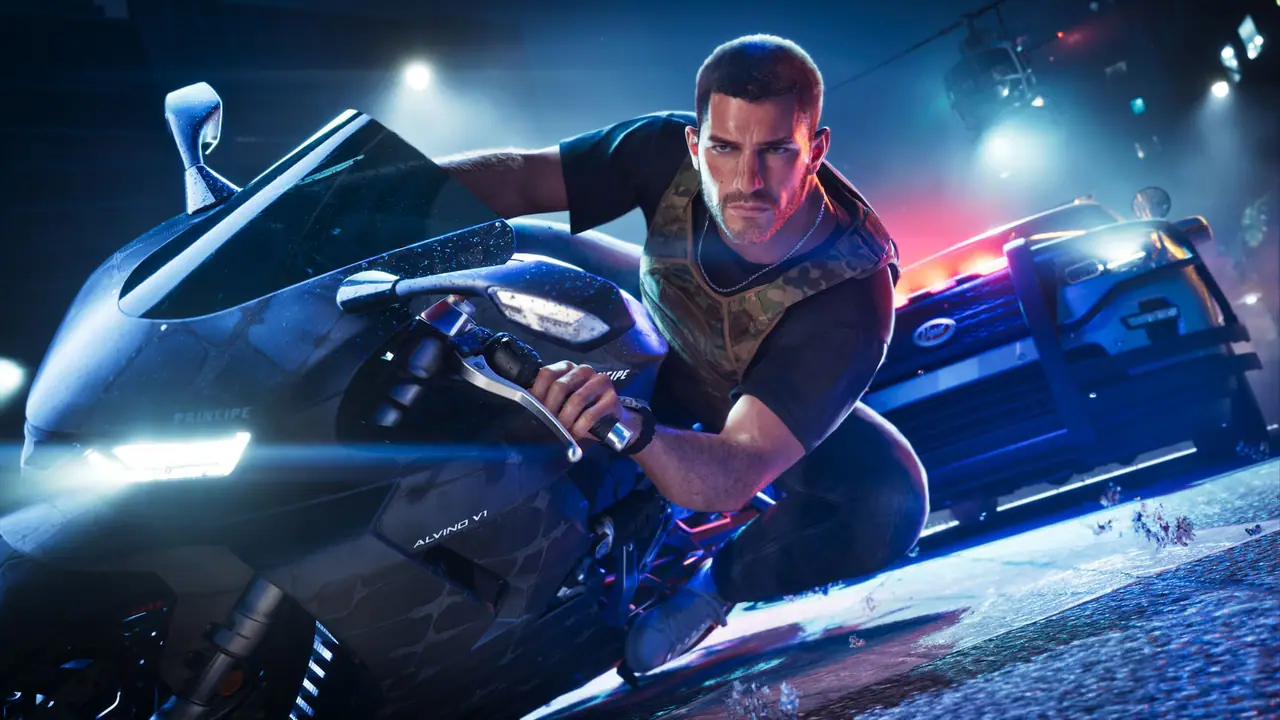
On a motorbike, bicycle or scooter, the same button kicks out at whoever rides or walks beside you.
On a motorbike, pull the left stick back while you accelerate and the front wheel comes up. Ease the stick forward to bring it down.
On a bicycle, Circle / B hops the front and back wheels off the ground, over a kerb or a gap. A click of L3 / LS rings the bell.On a bicycle, Circle hops the front and back wheels off the ground, over a kerb or a gap. A click of L3 rings the bell.On a bicycle, B hops the front and back wheels off the ground, over a kerb or a gap. A click of LS rings the bell.
Walk into a jet ski or small boat stuck on the sand until you start pushing, then hold Square / X to shove it back into the water.Walk into a jet ski or small boat stuck on the sand until you start pushing, then hold Square to shove it back into the water.Walk into a jet ski or small boat stuck on the sand until you start pushing, then hold X to shove it back into the water.
Reverse Jason's Ganado up to the jet ski trailer and it hitches by itself. Back straight down the ramp into the water, then press Circle / B to set the jet ski free.Reverse Jason's Ganado up to the jet ski trailer and it hitches by itself. Back straight down the ramp into the water, then press Circle to set the jet ski free.Reverse Jason's Ganado up to the jet ski trailer and it hitches by itself. Back straight down the ramp into the water, then press B to set the jet ski free.
Click once for a faster stroke and again for full speed. R1 / RB dives, Cross / A brings you back up.Click once for a faster stroke and again for full speed. R1 dives, Cross brings you back up.Click once for a faster stroke and again for full speed. RB dives, A brings you back up.
At the edge of a dock or a pool, a tap jumps in. Hold it instead for a dive with a flourish.
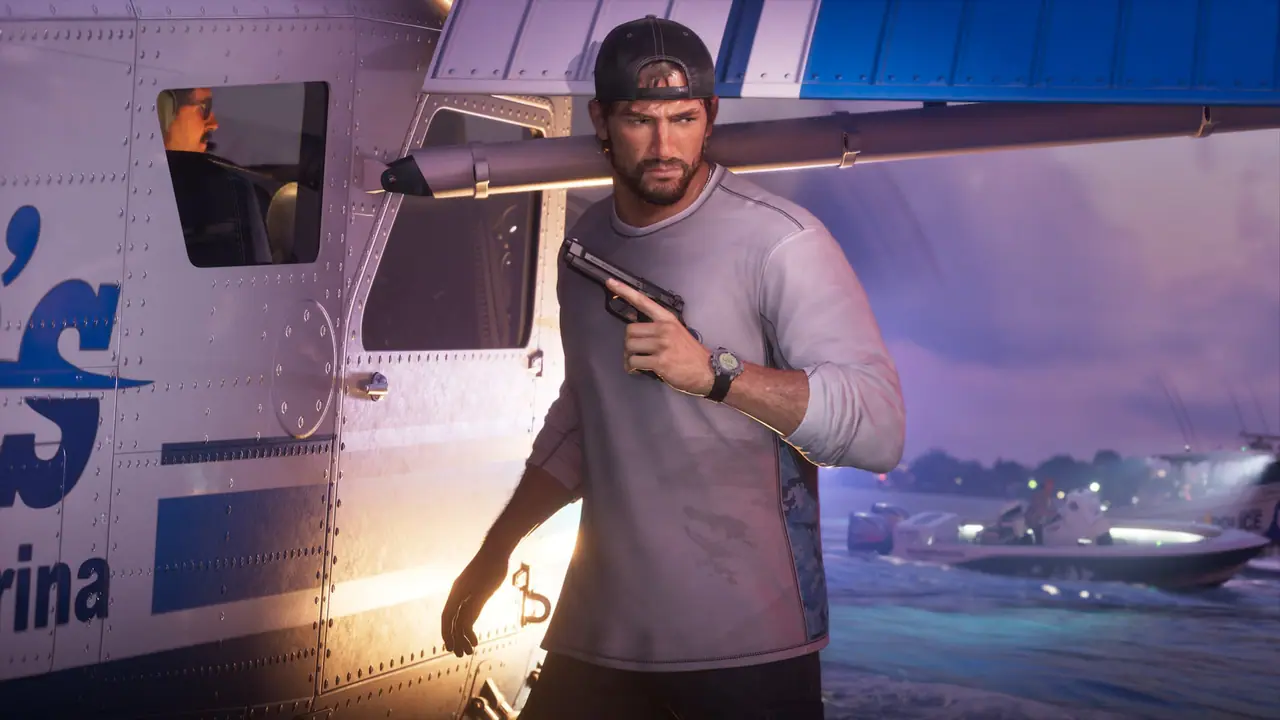
Buy one at Ammu-Nation. It shares the bottom-left item slot with body armor, so switch it on before you jump. Press it in freefall to open the chute, steer with the left stick, brake left or right with L2 / LT and R2 / RT, and cut away with Triangle / Y.Buy one at Ammu-Nation. It shares the bottom-left item slot with body armor, so switch it on before you jump. Press it in freefall to open the chute, steer with the left stick, brake left or right with L2 and R2, and cut away with Triangle.Buy one at Ammu-Nation. It shares the bottom-left item slot with body armor, so switch it on before you jump. Press it in freefall to open the chute, steer with the left stick, brake left or right with LT and RT, and cut away with Y.
In a plane, the click that sounds the horn in a car raises or lowers the landing gear.
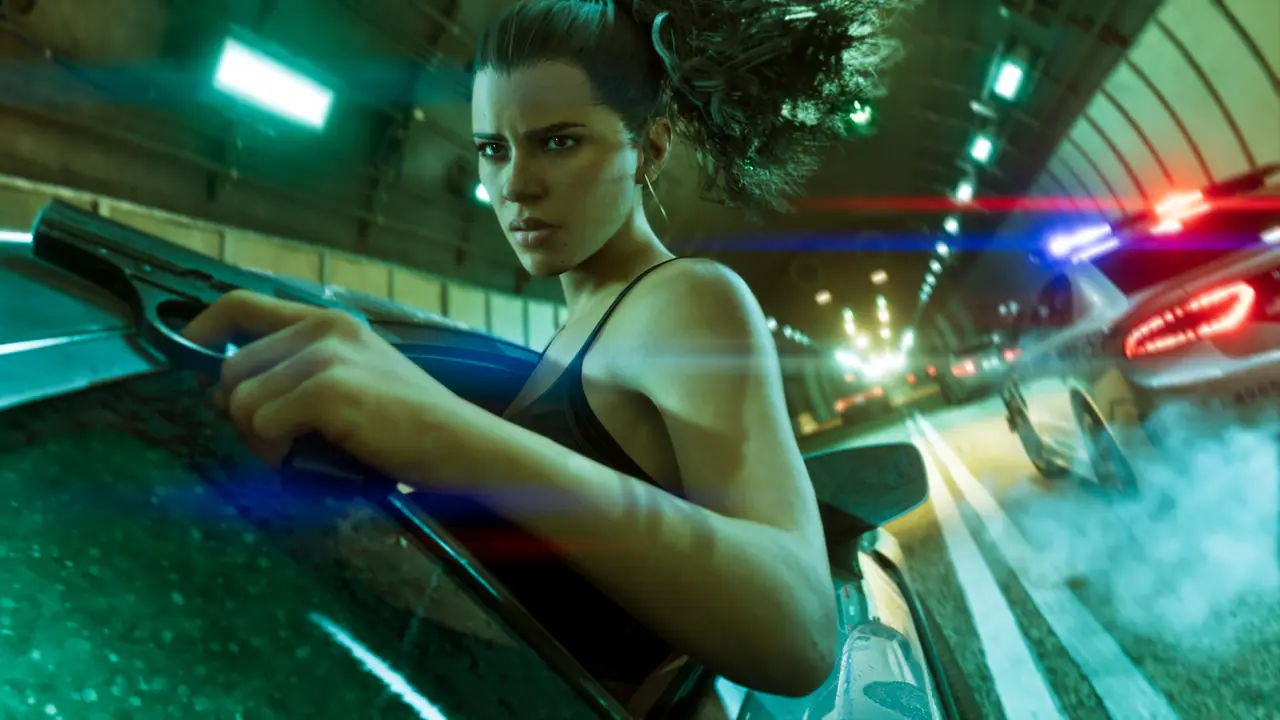
Crouch, creep up behind someone and grab them, then keep tapping Square / X until they go limp. They can get back up later, so move on.Crouch, creep up behind someone and grab them, then keep tapping Square until they go limp. They can get back up later, so move on.Crouch, creep up behind someone and grab them, then keep tapping X until they go limp. They can get back up later, so move on.
With a scope or sight on the gun, aim and click R3 / RS to look down it in first person. Click again to go back. Up and Down on the D-pad zoom the scope.With a scope or sight on the gun, aim and click R3 to look down it in first person. Click again to go back. Up and Down on the D-pad zoom the scope.With a scope or sight on the gun, aim and click RS to look down it in first person. Click again to go back. Up and Down on the D-pad zoom the scope.
Does GTA 6 have a first-person mode?Swaps the camera to your other shoulder, so you can lean out from the side of cover that suits the fight.
While you aim, Triangle / Y swaps to another weapon straight away. Tap L1 / LB to put a gun away; hold L1 / LB for the full wheel.While you aim, Triangle swaps to another weapon straight away. Tap L1 to put a gun away; hold L1 for the full wheel.While you aim, Y swaps to another weapon straight away. Tap LB to put a gun away; hold LB for the full wheel.
Throws the last explosive you used, a grenade or a molotov, without opening the wheel.
Grab instead of trading punches. Hit them while you hold on, or press R2 / RT again to throw them.Grab instead of trading punches. Hit them while you hold on, or press R2 again to throw them.Grab instead of trading punches. Hit them while you hold on, or press RT again to throw them.
In a fistfight, press it just before a hit lands to slip it and set up your counter.
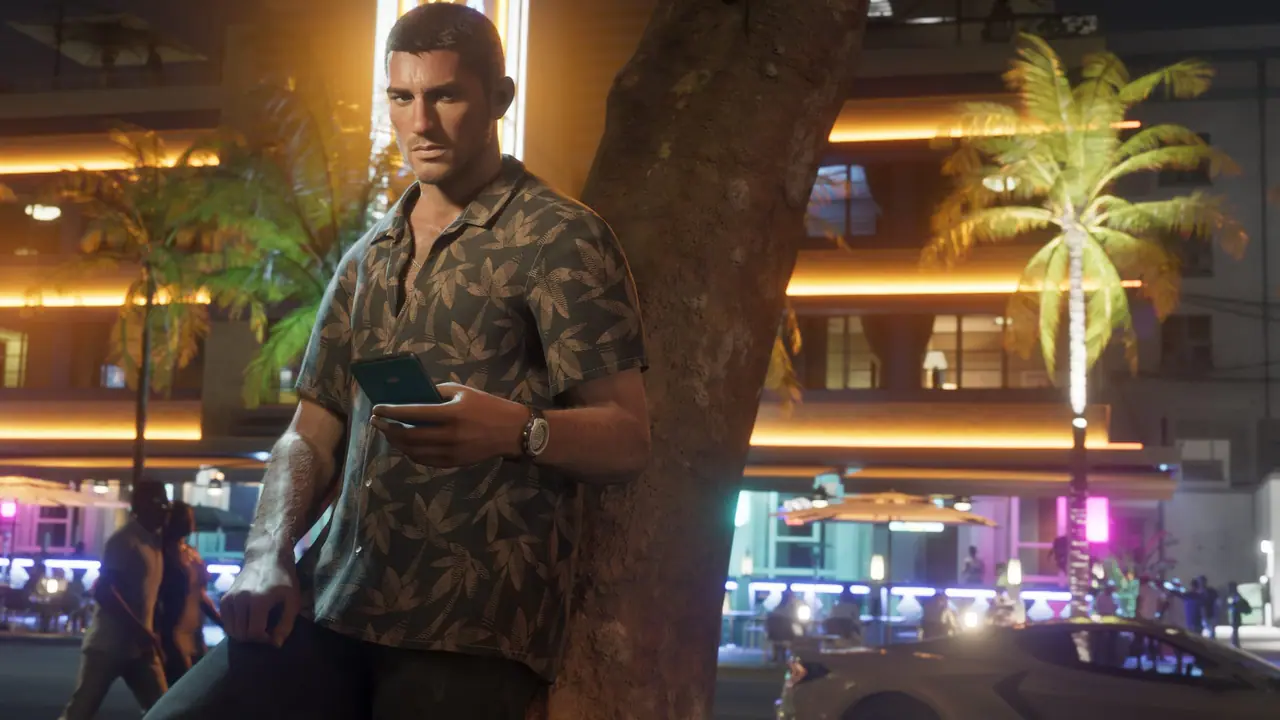
What you do depends on where you stand: rest against a wall, sit on the grass or the sand, or stand at ease anywhere else.
A first-person look around from where you stand. You cannot walk in it, but it works mid-conversation and is the best way to read a sign. Click R3 / RS again to leave.A first-person look around from where you stand. You cannot walk in it, but it works mid-conversation and is the best way to read a sign. Click R3 again to leave.A first-person look around from where you stand. You cannot walk in it, but it works mid-conversation and is the best way to read a sign. Click RS again to leave.
Does GTA 6 have a first-person mode?Click both sticks. Away from a fight it costs nothing: follow the rings to a shout or a siren, spot cash and loot, and see which doors are alarmed, marked in red.
Open WAiNK, point it at a parked car and hold R1 / RB. You see whether it is locked, has an alarm or a tracker, and what it would sell for. Steer clear of advanced trackers early on.Open WAiNK, point it at a parked car and hold R1. You see whether it is locked, has an alarm or a tracker, and what it would sell for. Steer clear of advanced trackers early on.Open WAiNK, point it at a parked car and hold RB. You see whether it is locked, has an alarm or a tracker, and what it would sell for. Steer clear of advanced trackers early on.
How do you steal a car without the alarm in GTA 6?Walk into the side of an overturned car until you start pushing, then hold Square / X to shove it over. A heavy one, a slope or an empty stamina bar can beat you.Walk into the side of an overturned car until you start pushing, then hold Square to shove it over. A heavy one, a slope or an empty stamina bar can beat you.Walk into the side of an overturned car until you start pushing, then hold X to shove it over. A heavy one, a slope or an empty stamina bar can beat you.
Time slows and the shops, fences and places around you are listed. Mark one with R3 / RS and the GPS takes you there. A quick tap of Down shows your objective instead.Time slows and the shops, fences and places around you are listed. Mark one with R3 and the GPS takes you there. A quick tap of Down shows your objective instead.Time slows and the shops, fences and places around you are listed. Mark one with RS and the GPS takes you there. A quick tap of Down shows your objective instead.
With nothing in your hands, look at someone with L2 / LT and give them the finger. How they take it depends on who they are.With nothing in your hands, look at someone with L2 and give them the finger. How they take it depends on who they are.With nothing in your hands, look at someone with LT and give them the finger. How they take it depends on who they are.
Hold L2 / LT on a friendly dog or cat to pet it. It gives your Focus a small boost.Hold L2 on a friendly dog or cat to pet it. It gives your Focus a small boost.Hold LT on a friendly dog or cat to pet it. It gives your Focus a small boost.
Run at a car and press Cross / A at the hood to slide across without losing speed. A tall truck stops you.Run at a car and press Cross at the hood to slide across without losing speed. A tall truck stops you.Run at a car and press A at the hood to slide across without losing speed. A tall truck stops you.
Press Cross / A again the moment you finish a climb and you jump straight on, keeping your speed across rooftops and fences.Press Cross again the moment you finish a climb and you jump straight on, keeping your speed across rooftops and fences.Press A again the moment you finish a climb and you jump straight on, keeping your speed across rooftops and fences.
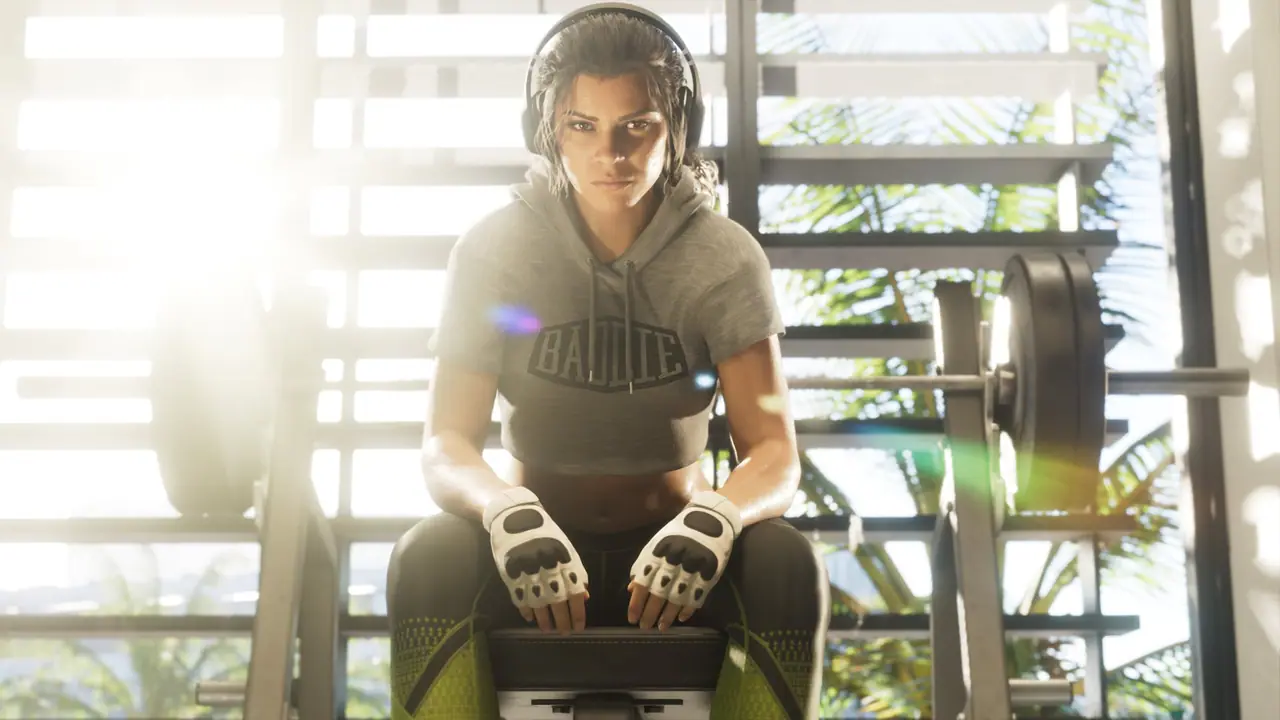
Buy earbuds at an electronics store such as Zeke's Gadgets and put them on from the item wheel. Then hold Left to pick a station wherever you walk.
How do you listen to music on foot in GTA 6?Ends a phone call on the spot, without waiting for the other side to finish. Up on the D-pad answers one.
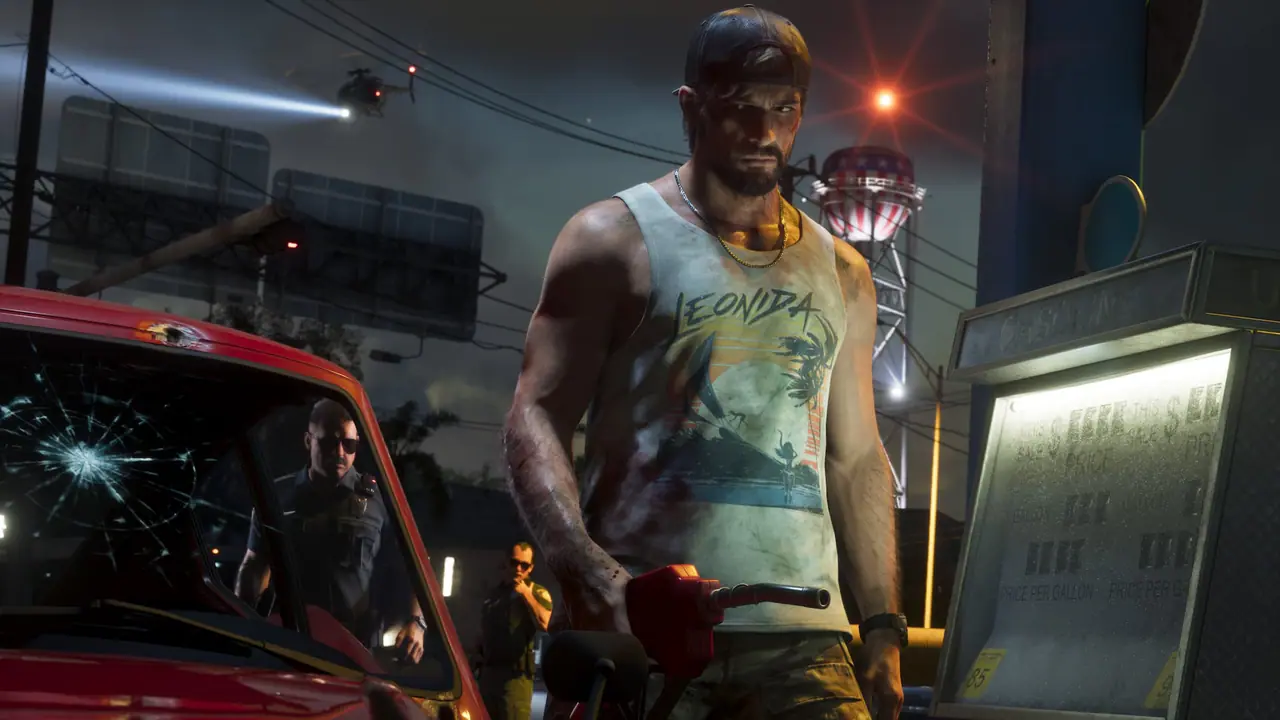
In a clothing store's Outfits tab, press Square / X on an outfit to add it to your car's trunk. Changing at the car after a job is a quick way to shake the police's description of you.In a clothing store's Outfits tab, press Square on an outfit to add it to your car's trunk. Changing at the car after a job is a quick way to shake the police's description of you.In a clothing store's Outfits tab, press X on an outfit to add it to your car's trunk. Changing at the car after a job is a quick way to shake the police's description of you.
They show what the police know: your car, your clothes, your face, a gun on show. Change that one thing to shake them: switch cars, change outfit, holster, split from your partner.
How do you lose the police in GTA 6?Getting killed or busted costs you the cash you carry. Pay it in at an ATM once the bank account opens, or leave it in your stash.
How do you get a bank account in GTA 6?Pull up next to any pump, open Services and pick Repair. A small fee fixes a car or a bike, often for less than calling for help on your phone.
How do you repair your car in GTA 6?On the map, a dark blue building has a way in, even if it is only a garage or a hallway. The pale blue ones stay shut.
Between fights, smoke one from the item wheel and your Focus meter fills back up fast.
Food and drink give Health, Stamina and Focus a boost for a while. Water and an apple make a quick, cheap top-up.
How do you increase health and stamina in GTA 6?The only way to skip a trip: call a ride on the RydeMe app, then talk to the driver and pay to go straight to your waypoint.
How do you fast travel in GTA 6?Settings, Gameplay has an Accessible Combat switch: enemies go down sooner and you take less damage. Reduced Vehicle Damage, next to it, keeps your car in one piece longer.
Settings, Control Scheme: Default, Classic (run and crouch swapped, the way older GTA games had them) and Left-Handed. You can preview each one before you pick.
In the settings you can switch the minimap off and keep turn-by-turn directions, spoken, as a tone, or both.
Moves players are finding right now. They are not confirmed yet, and each one joins the list above once it is.
Double-tap Left at the wheel to switch the radio off, and again to bring it back. A single tap is still the turn signal.
Open the item wheel while you drive, pick a cigarette from the Smokes slot and light up without stopping.
In a police car or an ambulance, a click of the left stick switches on the lights and the siren.
In the vehicle menu, Headlights cycles Automatic, low beam, high beam and off. On Automatic the car picks for itself by the time of day and the weather.
With Adaptive Speed Limiter on (it is by default), keep R2 / RT at the point where the trigger stiffens and the car holds a steady, sensible speed. Push through it to floor it.With Adaptive Speed Limiter on (it is by default), keep R2 at the point where the trigger stiffens and the car holds a steady, sensible speed. Push through it to floor it.With Adaptive Speed Limiter on (it is by default), keep RT at the point where the trigger stiffens and the car holds a steady, sensible speed. Push through it to floor it.
Double-tap at the helm to step away while the boat keeps going, then walk around the deck.
Airboats have no radio. Put your earbuds on before you set off and you can still pick a station.
Fire a pistol without aiming and you shoot from the hip, one-handed. On PS5, aim once, then rest R2 / RT just before the trigger stiffens to hold a one-handed aim, made for standoffs.Fire a pistol without aiming and you shoot from the hip, one-handed. On PS5, aim once, then rest R2 just before the trigger stiffens to hold a one-handed aim, made for standoffs.Fire a pistol without aiming and you shoot from the hip, one-handed. On PS5, aim once, then rest RT just before the trigger stiffens to hold a one-handed aim, made for standoffs.
Set Targeting to Lock-On in the gameplay settings and turn on Lock-On Target Switch. Then flick the right stick while you aim to jump between targets.
Carrying a drink or a snack, press Left to move it to your other hand, as long as that hand is free.
While you smoke, R2 / RT flicks the cigarette away. Look at someone first and it goes their way.While you smoke, R2 flicks the cigarette away. Look at someone first and it goes their way.While you smoke, RT flicks the cigarette away. Look at someone first and it goes their way.
Pour fuel from a gas can, light a cigarette, look at the fuel and throw it. The fuel goes up in flames. Wait too long and it soaks away.
Bats, shovels and other melee weapons go in your car's trunk along with your spare guns.
The default layout. Settings has two more: Classic and Left-Handed.
| Action | Buttons |
|---|---|
| Move | PS5 Xbox |
| Look around | PS5 Xbox |
| Run | PS5 Xbox |
| Jump and climb | PS5 Xbox |
| Crouch | PS5 Xbox |
| Take cover | PS5 Xbox |
| Aim, or talk to someone | PS5 Xbox |
| Shoot | PS5 Xbox |
| Punch | PS5 Xbox |
| Interact | PS5 Xbox |
| Weapon wheel | PS5 Xbox |
| Put your gun away | PS5 Xbox |
| Phone | PS5 Xbox |
| Partner menu | PS5 Xbox |
| Map | PS5 Xbox |
| Pause | PS5 Xbox |
| Action | Buttons |
|---|---|
| Accelerate | PS5 Xbox |
| Brake and reverse | PS5 Xbox |
| Steer | PS5 Xbox |
| Handbrake | PS5 Xbox |
| Horn | PS5 Xbox |
| Shoot from the car | PS5 Xbox |
| Get out | PS5 Xbox |
| Headlights | PS5 Xbox |
| Look behind | PS5 Xbox |
| Radio and vehicle menu | PS5 Xbox |
| Phone | PS5 Xbox |
Something wrong or missing here? Tell us